Vibe coders & Web App Pre‑Ventures
®
Circloud
NEST
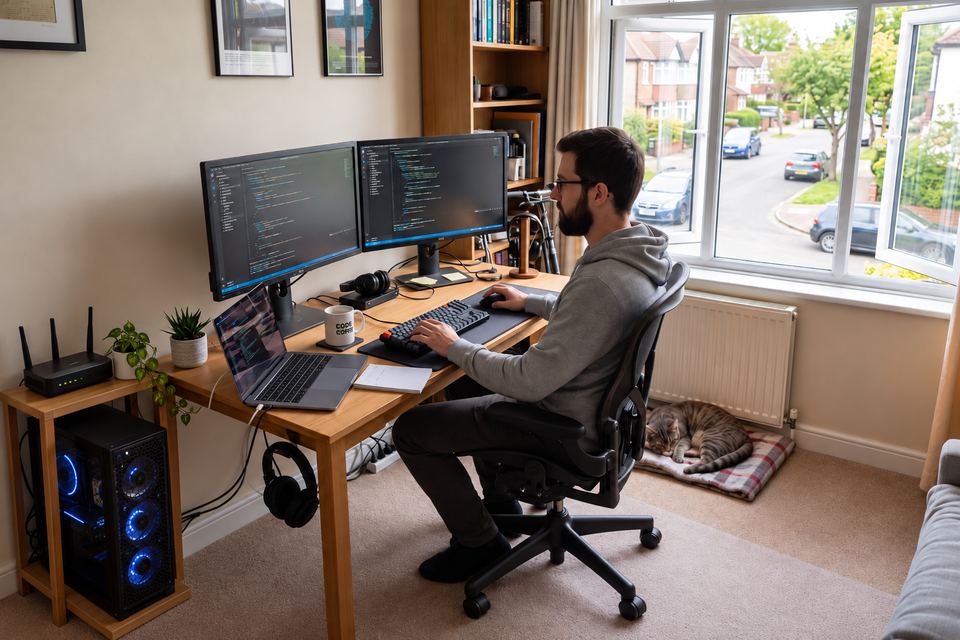
Take your apps live from the desktop you code on, with no hosting bill while your idea takes shape.
- 1 Desktop Computer
- 1 virtual cluster (up to 3 virtual nodes)

Run Circloud® NEST on a cluster of Linux servers or as a virtual cluster on a Desktop Computer, and get a full private cloud on hardware you own: VPCs (Virtual Private Clouds) with their subnets and pods, persistent and S3 cloud storage, DB clusters and email, all driven by one REST API.
Every app gets a public URL on your own domain through a free Cloudflare tunnel, with the edge’s DDoS protection and TLS in front of it. One click installs the cluster, your AI agents deploy to it through the API, and it grows server by server, up to 100 servers per cluster on the largest plan.
No public IP. No open ports. No hyperscale bill.
Take your apps live from the desktop you code on, with no hosting bill while your idea takes shape.
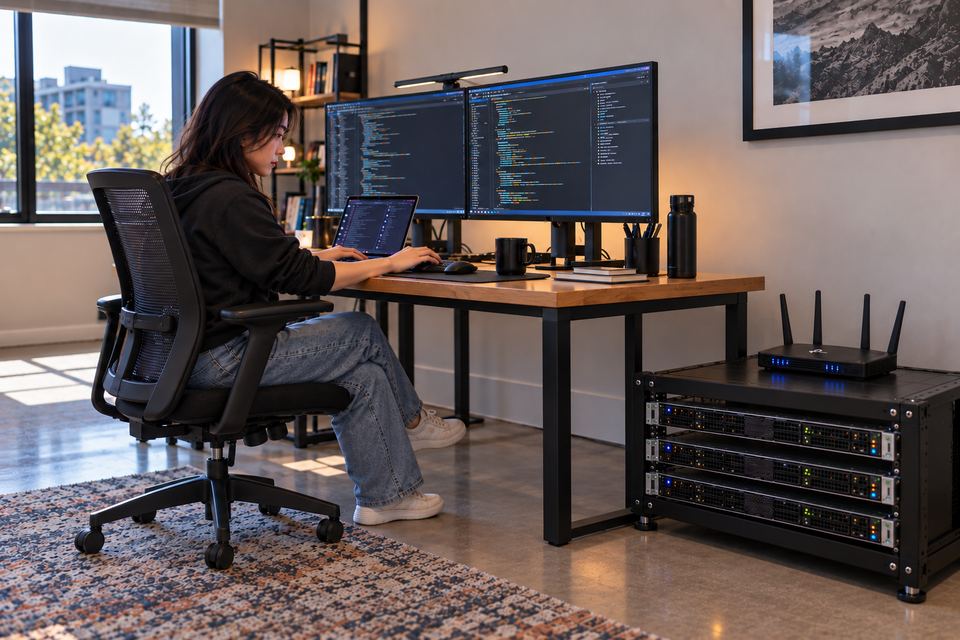
Spend your time on your business, not on hosting: run your products and your clients’ sites on servers you own.

Give your founding team its own cloud from day one, and spend your runway on the product.
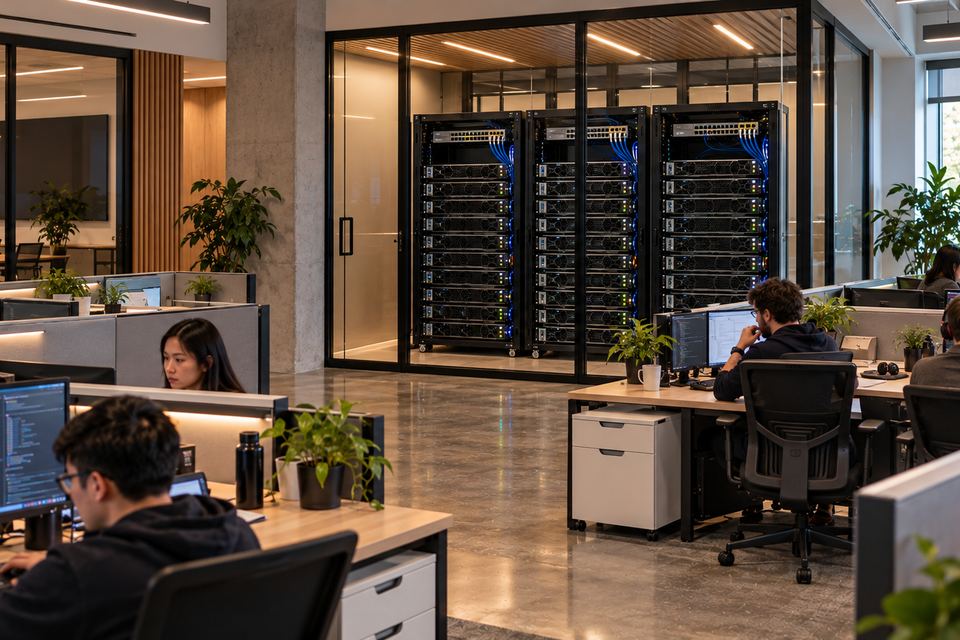
Turn the servers your company already owns into a private cloud, and stop renting what you already have.

Put your own cloud on the racks you operate, and give your clients more than rack space.
No public IP needed. Your pods are reachable through your own domain name over a secure FREE Cloudflare tunnel — only the protocols and ports you explicitly allow ever reach your network.
You don’t install a firewall, configure NAT, or open inbound ports. Cloudflare’s edge sits in front of every request and provides DDoS protection, WAF, bot mitigation, TLS termination, and rate limiting for free, before traffic ever touches your machine.
Tunnel creation is built right into Circloud — no DNS records, no cloudflared installs, no clicking through the Cloudflare dashboard. Add your Cloudflare account ID and API token on your Circloud profile once and every pod you deploy can be exposed on a custom domain in seconds.
Deploy VPCs, containers, and isolated networking on a single desktop or server. Start on one machine and grow server by server. A virtual cluster on one Desktop Computer (64 GB RAM) already carries 2.5K concurrent users and 125K accounts; one Xeon 5 server (256 GB RAM) carries 10K concurrent users and 500K accounts; and on the largest plan you can keep adding servers, up to 100 in one cluster — your own private cloud, on hardware you own.
You get the full cloud feature set out of the box: auto-healing pods, horizontal auto-scaling, persistent volumes, unlimited Cloudflare tunnels, monitoring, centralized logs, load balancers, NAT gateways, custom domains — every primitive you’d expect from a hyperscaler, running on hardware you own.
Figures are per cluster. One Xeon 5 server (256 GB RAM) carries 10K concurrent users, 50K daily active users and 500K accounts. Capacity follows RAM: a virtual cluster on one Desktop Computer (64 GB RAM) carries 2.5K concurrent users, and a cluster adds up server by server, to 100 servers on the largest plan.
Every operation — VPCs, subnets, pods, replicas, auto-scaling, persistent volumes, Cloudflare tunnels, custom domains — available as simple HTTP calls. The same API powers both GUIs; anything you click, a curl command can do.
A natural fit for
Claude Code,
Cursor,
Copilot Workspace,
or any LLM that can issue HTTP requests. Drop your .credentials file
into the project: the agent reads the whole API reference from your cluster, builds the
image, then calls the API to provision VPC + pods + tunnels + live URL —
in under 30 seconds, zero human intervention.
Tell the installer where the cluster runs — a virtual cluster on one Desktop Computer, or your physical servers — and press Install once. It prepares every machine, joins them into one cluster, and hands back a running private cloud with its web console.
The installer itself runs on your own Windows computer, and you never set the machines up one by one.
Outgrown the hardware? Add the new machines with the installer's Extend. They join the cluster you already have, and their capacity is available to every VPC and pod straight away.
On the largest plan the same step repeats as far as a hundred servers in one cluster — no reinstall, no downtime, and the apps already running keep their addresses and their public URLs.
Need fewer? The installer's Shrink removes a server: its pods move to the other servers first, then it leaves the cluster.
Every pod can run multiple replicas, spread across your machines, with a built-in load balancer distributing traffic between them — one service address in front, healthy replicas behind it. Lose a machine, and the surviving replicas keep answering.
Auto-healing watches every replica. If one crashes or stops responding, the platform detects it and starts a fresh replica automatically — no pager, no manual restart.
Auto-scaling watches CPU load. When traffic climbs it adds replicas of your pod, up to your maximum; when load drops it scales back down to save resources. Both are a single switch, at creation or any time after.

Each tenant gets fully isolated VPCs, carved into private Subnets, where Pods run side-by-side — all routed, addressed, and firewalled in software.
Because each VPC is a separate L3 boundary, two tenants can reuse the same CIDR ranges without ever colliding. Subnets stay private by default; outbound traffic flows through the per-VPC NAT; inbound is exposed only through Cloudflare tunnels.
Enterprise container platforms like OpenShift, Tanzu, or Rancher charge per-core or per-node licence fees that can reach tens of thousands of dollars per year — and those fees renew annually.
Circloud® NEST is a one-time purchase of $11.85, with no recurring licence fees, no per-core charges, and no vendor lock-in.
Running 4 production instances (4 vCPU, 8 GB each) with managed containers, a database, load balancer, and storage costs $400–$800+ per month on AWS, Azure, or GCP.
With Circloud® NEST, the same workloads run on hardware you already own — your electricity bill is the only recurring cost.
How Circloud® NEST compares to managed cloud services and enterprise container platforms across features, pricing, and operational overhead.
| Feature | ® Circloud NEST |
Cloud Providers AWS / Azure / GCP |
Enterprise OpenShift / Tanzu / Rancher |
Replit |
|---|---|---|---|---|
| Price | $11.85 one-time | $400 – $800+ / mo | $5k – $30k / yr | $25 – $100 / mo |
| Recurring licence fees | ✓ None | ✗ Pay-as-you-go | ✗ Annual subscription | ✗ Monthly |
| REST API | ✓ Full coverage | ✓ | ✓ | ◉ Limited |
| Web Console / GUI | ✓ | ✓ | ✓ | ✓ |
| VPC / Subnets | ✓ | ✓ | ◉ Namespace-level | ✗ |
| Multi-tenant isolation | ✓ Network-level isolation | ✓ Account-level | ◉ Namespace-level | ✗ |
| Network security (firewall) | ✓ Security Rules, DDoS protection, TLS | ✓ Security Groups | ◉ NetworkPolicy | ✗ |
| Load Balancing | ✓ | ✓ | ✓ | ✗ |
| Monitoring | ✓ Built-in | ◉ CloudWatch / extra cost | ◉ Prometheus add-on | ◉ Basic |
| Container orchestration | ✓ | ✓ | ✓ | ✗ |
| Automatic scaling | ✓ | ✓ | ✓ | ◉ Limited |
| Auto-healing | ✓ | ✓ | ✓ | ✗ |
| High Availability | ✓ Multi-node | ✓ Multi-AZ | ✓ | ✗ |
| Zero-trust tunnels | ✓ | ◉ Add-on | ✗ | ✗ |
| Run on your own hardware | ✓ | ✗ | ◉ Extra cost | ✗ |
| No open inbound ports | ✓ | ✗ | ✗ | ✗ |
| Persistent volumes | ✓ | ✓ | ✓ | ✗ |
| Data sovereignty | ✓ | ◉ Region-locked | ◉ Depends | ✗ US only |
| Vendor lock-in | ✓ None | ✗ Proprietary | ◉ Platform-specific | ✗ Proprietary |
| Setup time | ~15 min | Hours–days | Days–weeks | Minutes |
| Total cost (3 years, 4 instances) | $11.85 | $14,400 – $28,800+ | $15,000 – $90,000+ | $900 – $3,600 |